
A moment
just for you.
Free encouragement for your everyday life.
Explore affirmations and small activities, save your favourites, and write personal reflections. Choose optional daily reminders when you want a little encouragement.
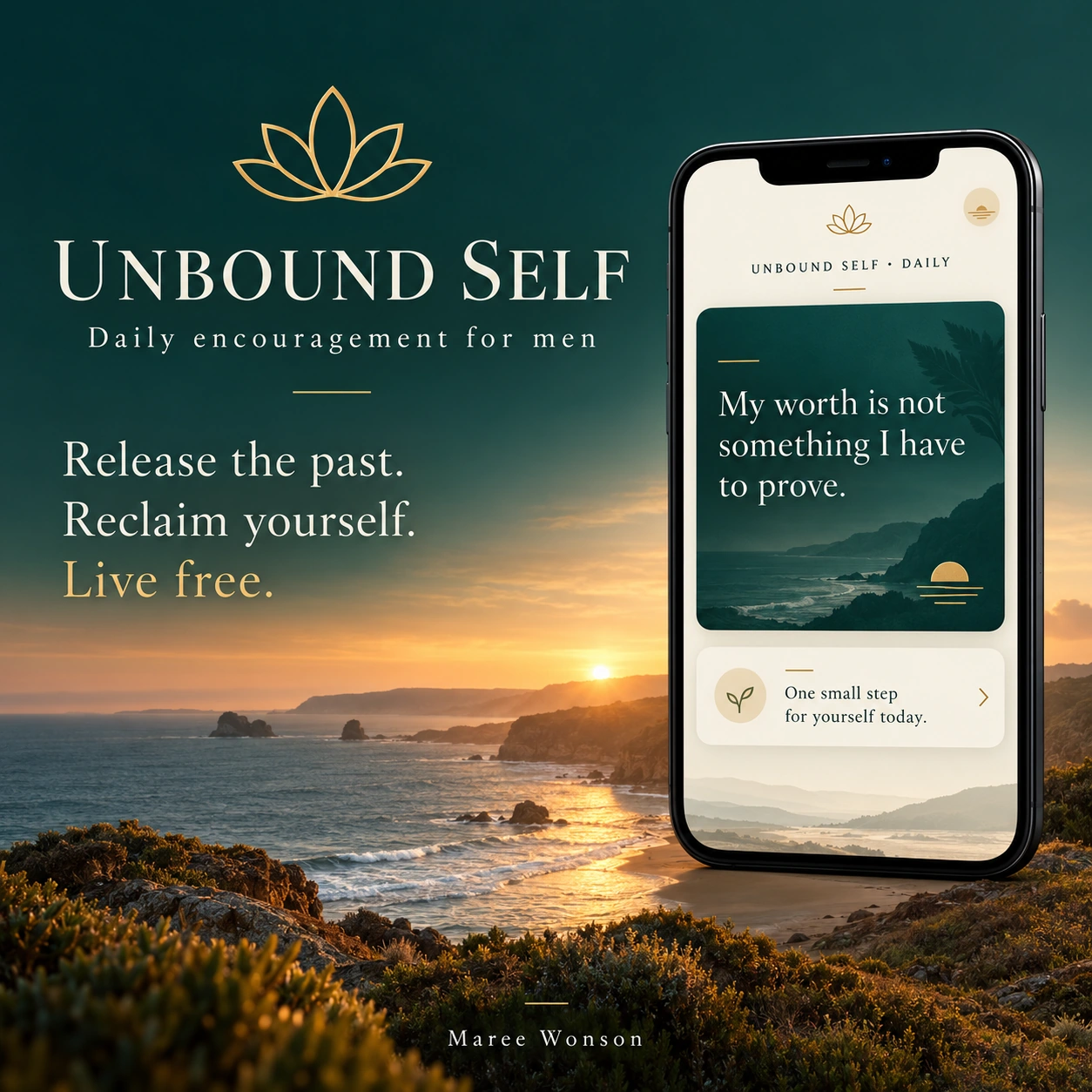
A little space for you.
Daily affirmations and reflections are free. Program members can unlock the eight-week companion using the access code supplied by Maree after purchase.
How do I save the app to my phone?+
iPhone
- Open Unbound Self Daily in Safari.
- Tap Share (the square with an upward arrow). If it’s hidden, tap More first.
- Scroll down and tap Add to Home Screen. Turn on Open as Web App if shown, then tap Add.
Android
- Open Unbound Self Daily in Chrome.
- Tap the three-dot menu next to the address bar.
- Choose Install and create shortcut or Add to Home screen. Tap Install or Add and follow the prompts.
Once it’s added, tap the Unbound Self icon on your Home Screen to open it.
How do I receive reminders?+
Open the app, choose Turn on daily reminders and allow notifications. On iPhone, first add the app to your Home Screen from Safari and open it from that icon.
Where are my reflections saved?+
They stay in your browser on your device. Use the app’s export option to keep a separate copy.
How do I access the paid companion?+
Purchase the digital program through Square checkout ↗, then enter the code Maree supplies in the app’s paid section.